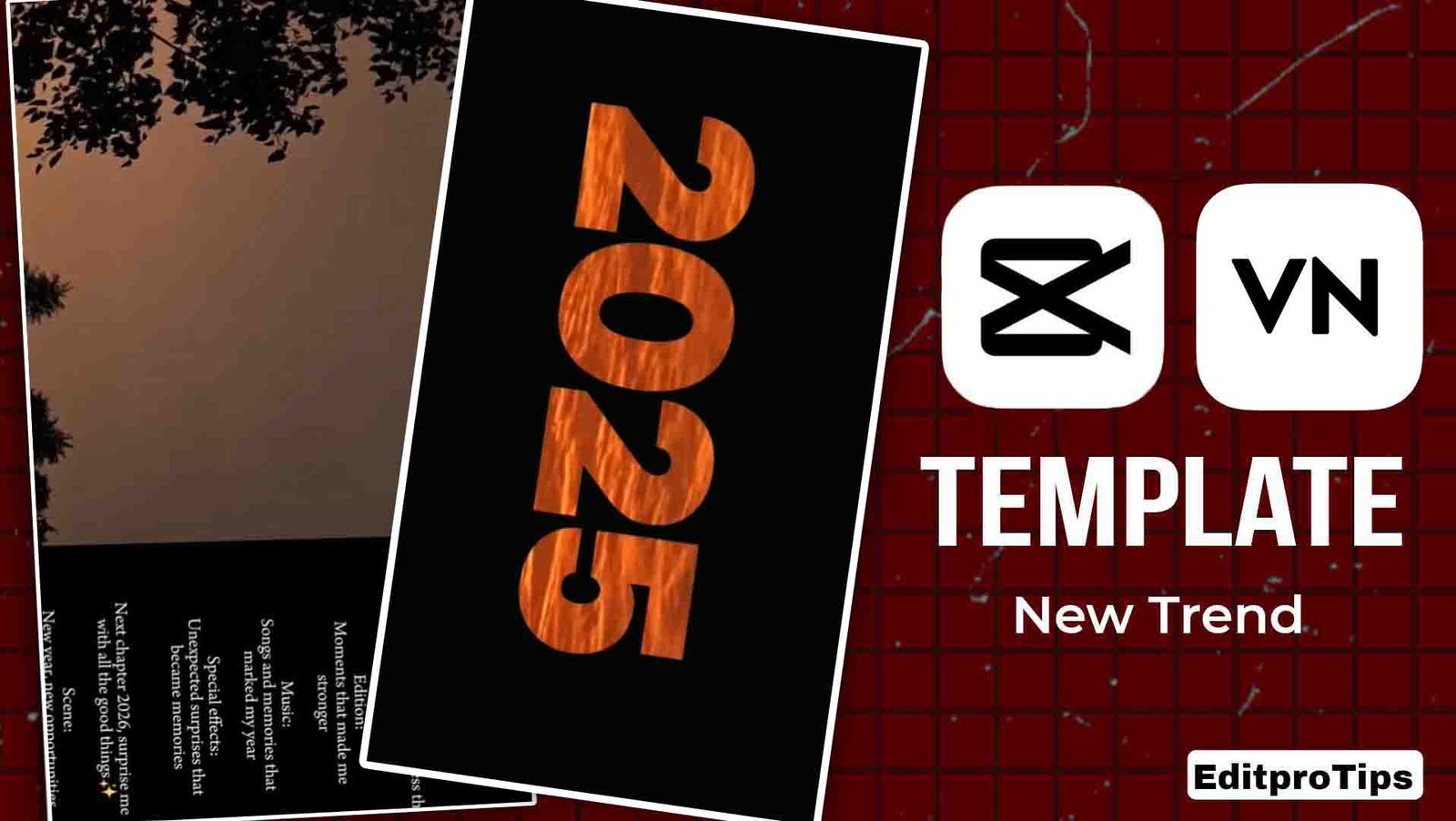
Friends, as you know, 2026 is about to end and 2026 is about to come, so if you also want to make a new 2026 video by combining old photos,
then today I am going to give you the template of Recent 2025 Kaif, using which you can edit your video as a refund and I am going to give this to you absolutely free.
How to use Recap 2025 Vn Code
- First of all, you have to install the Vn application on your mobile.
- Open it and go to the scanner option.
- And scan the code I have given you.
- Then he has to click on the time
- And you have to add that video or photo which you want to edit.
- After that simply click on Next.
- Then your video will be automatically created and ready.
- You can save it to your gallery in full HD quality.
What is OneApp?
You can edit your video absolutely free with the VN app. You get a lot of features absolutely free in it, with which you can edit your video or FIR and if you are learning video editing then it is the best for you because its interface is user friendly. You can easily find it on the Play Store.
How to use Recap 2025 Capcut Template
- First of all you have to install the Cupcut application.
- You need to open the Cupcut application.
- Connect any one free Vpn
- Use the template I provided.
- You have to click on that template.
- Select the video or photo from your gallery that you want to edit.
- Now just do the next
- After a while, your video will automatically stop and be ready.
- Then you can save that video in your gallery.

You will not get the same audio in this template, so please use the viral audio by clicking on the Instagram audio button given here.
Vn CODE

What is Kapkat App
Capcut app is the best app for video editing. You can edit videos step by step for free and if you are learning video editing then this is the best app for a beginner to learn video editing. Using Capcut app you can edit your videos in just one click using the template. It is made in India but you can use Capcut in India with the help of VPN. You can edit your normal videos in high quality and you can also save your videos up to 4K Ultra HD in it.
meet me on social media
Friends, my name is Vikas Verma and I am the owner of EditProTips and I have been doing video editing for the last 5 years, so I have a lot of knowledge in video editing, that is why I keep providing you my new templates and editing tips which you can use in your videos absolutely free of cost and if you want to watch videos or want to get video editing done from me, then you can DM me on Instagram @editpro_tips
Extractive
So my dear friends, you must have understood everything about how to edit a template from Recap 2025. If you still face any problem, you can tell me by commenting in the comment box given below. And how did you like this post, do tell me by commenting.
Thank you.