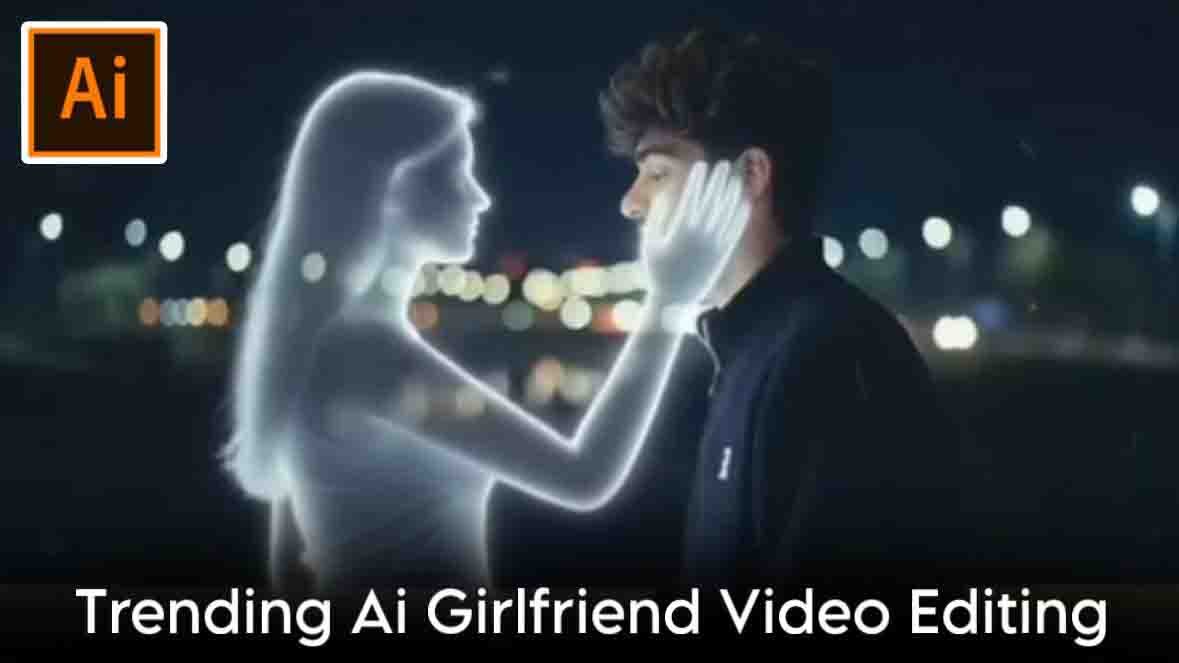
Ai Girlfriend Video Editing By Editprotips > Hello friends, you are once again very welcome to my website EditProTips. Today I am going to teach you how you can make your own video using AI. If you do not have a girlfriend, then also you can add girlfriend to your video with its help because right now this video is becoming very viral on Instagram.
So if you also agree and upload your video then it can happen. If your video also goes viral, then let me tell you how you can also make this girlfriend video very easily.
what is Ai
Friends, you can do a lot of things using AI, like you can add someone to your photo, you can make your own video or photo with it, you can also prepare a map of the house with its help and it can be used for many simple tasks, you just have to put the photo and your image or video is ready, there are many websites and apps in which you can use it for free, like Pixverse AI, Flow AI, Google Gemini, Chatgpt, Grok AI, with these you can make your photo or video with the help of AI for absolutely free.
How to make Ai Girlfriend Video
Friends, to make a girlfriend video, you will first have to take a photo, then you can convert that photo into a video. Friends, you can make a photo or video with the help of a prompt, let me tell you how.
How to make Ai Girlfriend photo
- First, you need to copy the photo from this article.
- After that open the Google Gemini app.
- And after selecting Create Image in Google, you have to upload any of your photos there.
- And then paste this province and simply send it.
- Your photo will be ready in a short while.
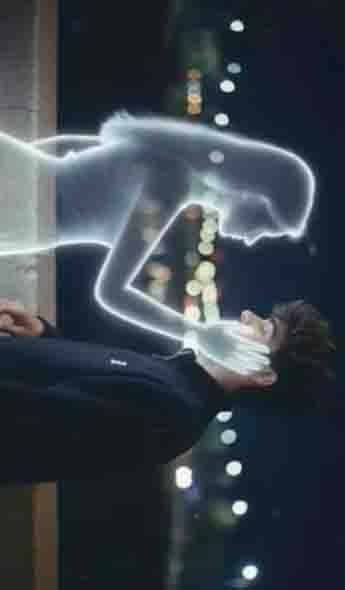
Prompt
Prompt”: “Retro ciematic photograph of a young r
h (uploaded mage) standing on a
bridge at night, facing and softly talking to a glowing imaginary girl. The girl has a delicate feminine silhouette made of soft white light with smooth edges, appearing like a memory or dream. Both stand close, slightly leaning toward each other in conversation. The camera captures a medium side shot showing their profiles from the waist up, with blurred city lights behind them. The image should have a nostalgic retro film look – slightly faded colors soft focus, mild grain, and natural lighting. The glow from the gir should illuminate the man’s face subtly, with realistic shadows and highlights. The overall tone should be calm, emotional, and cinematic. resembling an old film still rather than a digital render. Add film texture, lens softness, and analog photo imperfections for authenticity.”
“upload _image”: “your image_here”
“style”: “retro cinematic realism, soft emotional tone, film gra
Ai Girlfriend Video
Generator
How to make a video from a photo
- First of all, you should copy the video prompt given in this article.
- And then go to the Google Flow website.
- Create your account in FlowWepsite by entering your Gmail.
- Then create a new project on the flow website.
- And instead of text to video, frame to video has to be selected.
- After that, click on the plus icon and upload the photo from your gallery which you had created using Google Gemini.
- And then you have to simply send it after past the video prompt there.
- And you just have to wait a little, in a short while your video will be ready and will be available there.
- Now you can save it in your gallery.
meet me on social media
Friends, my name is Vikas Verma and I am a video editor. It has been 5 years since I have been editing videos, so I keep giving you new templates and editing trick tips daily, using which you can also improve your editing skills or you can also create your own video for free by using the template made for me, so if you want to learn video or if you like video editing, then you can DM me on Instagram.
Extractive
So friends, I hope you have understood how to make a Girlfriend video. If you still face any problem, you can tell me by commenting in the comment box given below. I will try my best to reply to you and do tell me by commenting how you liked this post.
Thank you.